Substantive Post #3 Accessible Multimedia
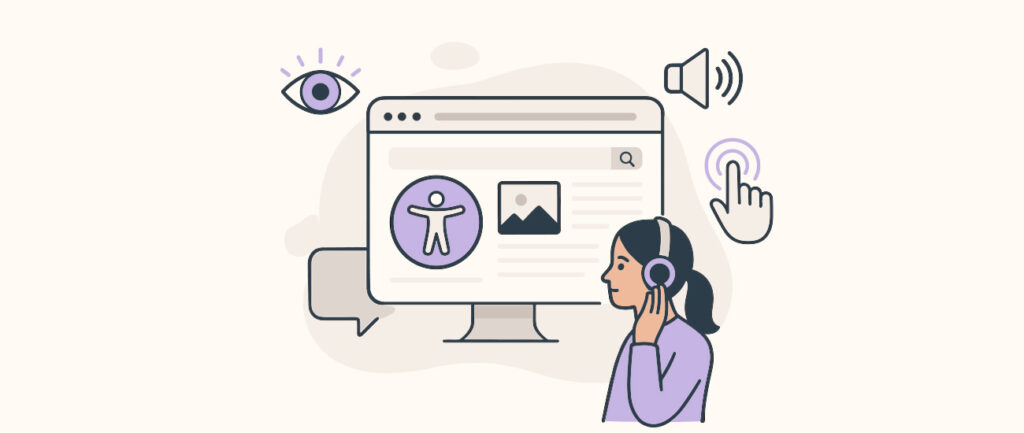
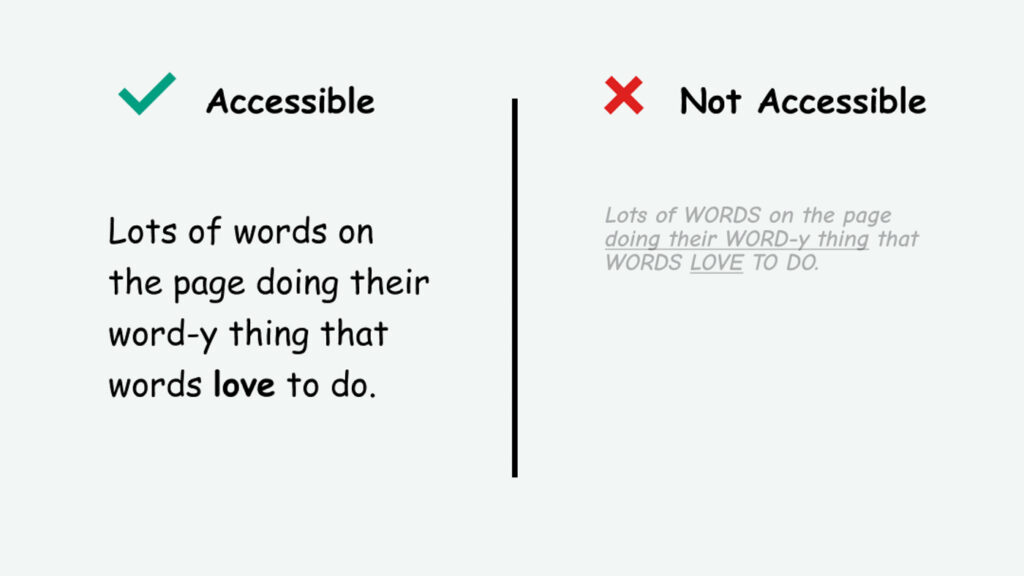
Accessibility within learning means creating environments that remove barriers rather than expecting learners to adapt. As Kat Holmes explains, “disability isn’t a lack of ability, it’s a mismatch between a persons abilities and their environment.” This perspective reframed accessibility as a design problem rather than an individual limitation, and it made me reflect critically on my own social media designs. I realized that many of my early design choices assumed a “default” learner, and I had rarely considered how different abilities, sensory needs, or learning preferences might impact how someone experiences my content.
This module highlighted how accessibility strongly shapes multimedia and interactive learning. Simple features like captions and transcripts are often framed as supporting learners who are deaf, but as Svetlana Kouznetsova’s TED Talk explains, they also benefit learners who process information differently, are learning in a second language, or are consuming content in challenging environments. I also saw how these features connect directly to Mayer’s multimedia principles by reducing cognitive load and making content easier to navigate and understand. The Universal Design for Learning (UDL) framework provided additional guidance, encouraging me to think about multiple ways for learners to engage, perceive, and respond to content. For example, offering captions, descriptive audio, alt text, and transcripts gives learners multiple sensory pathways for processing information. Reflecting on design practices, with graphic design being very visual it can unintentionally exclude learners with visual impairments too. To create inclusive content, it is essential to provide alt text, maintain strong colour contrast, minimize text heavy visuals, and avoid relying on colour alone to convey information, as highlighted by Lara Wong in her work on social media accessibility and inclusive design. Incorporating descriptive captions and transcripts for videos and images further ensures that all learners can access the same information, regardless of how they interact with the content, making the user experience better for everyone. The module became particularly impactful when I reviewed my early social media content critically. I found a policy post with white text on a light beige background, which was difficult to read, and a video with fast flashy movements that could be triggering to some and honestly was not that enjoyable to watch either! Reviewing these posts made me appreciate how even small design choices such as colour and movement influence content. It also helped me see how following inclusive design principles and UDL guidelines can make content more effective for everyone, not just those with disabilities.
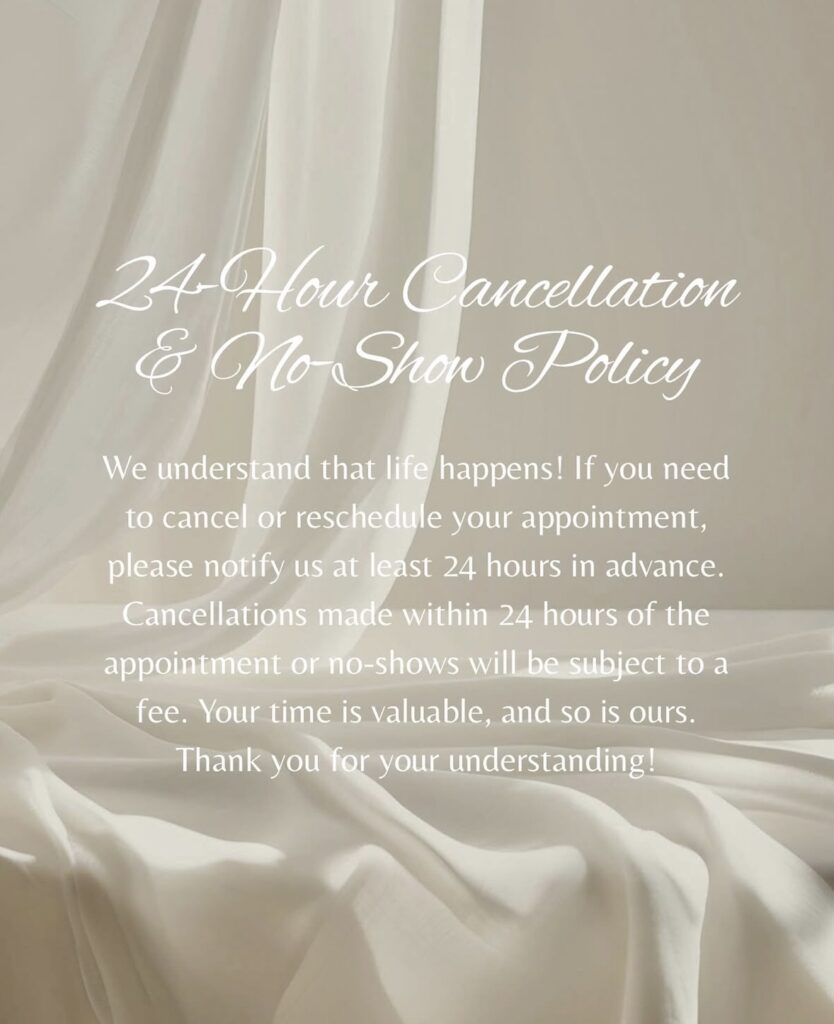
Example of non-accessible post: The text blends into the background with white lettering on a light beige background makes the content difficult to read and inaccessible for many viewers.
Example of a non-accessible video: Aiming to advertising new products moves too quickly and contains excessive motion, which can be overwhelming for some viewers.
Overall, this module has changed the way I approach media and multimedia design. Accessibility and inclusive design are essential for creating equitable, engaging, and effective learning experiences. By integrating inclusive design principles, accessibility tools, and UDL guidelines into my work I hope to create new content that is accessible to everyone. This reflection has not only helped me identify areas for improvement in my social media work but has also equipped me with practical strategies for making all my multimedia learning content more inclusive.
References
Wong, L. (2023, April 24). Social media accessibility: Inclusive design tips for marketers. Hootsuite. https://blog.hootsuite.com/social-media-accessibility/
Learn Accessibility. How to make your digital content accessible [Video]. YouTube. https://www.youtube.com/watch?v=ngKp9MqUGj8
Accessibility Masterclass. Inclusive design and accessibility strategies [Video]. YouTube. https://www.youtube.com/watch?v=wz-4W3-4wog
CAST. (2024). Universal Design for Learning Guidelines version 3.0. https://udlguidelines.cast.org